

If an automation fails loudly, someone fixes it that morning. If it fails quietly, everyone keeps trusting it — and the damage compounds for as long as nobody looks.
That is the entire argument for building monitoring and alerting at the same time as the automation, rather than after the first thing goes wrong. A silent automation is worse than no automation, because at least with no automation somebody knows the work still needs doing.
Why silent failures are the expensive ones
Consider a lead pipeline that stops writing to the CRM. The form still works. The confirmation email still sends. The customer has no idea anything is wrong, and neither does the business.
Nobody notices on day one. By the time someone says “it has been quiet lately”, a fortnight of enquiries has gone nowhere — and those people have already booked with someone else.
A loud failure costs an afternoon. A quiet one costs a month of pipeline, and you cannot get it back. The enquiries are not sitting in a queue waiting to be processed; they are gone.
The three ways automations fail
- It errors. The run started and threw an error. The easiest to catch, and the one most people already have covered.
- It stops running. The trigger no longer fires — an expired connection, a renamed form, a revoked token. Produces no errors, because nothing is running to produce them. This is where the real damage hides.
- It runs on the wrong data. Everything looks healthy and the numbers are wrong. A field changed upstream and the automation has been dutifully writing blanks for a week.
Most monitoring catches only the first. The second and third are the ones that quietly cost money.
Monitoring is not the same as alerting
Dashboards tell you how things are going when you remember to look. Alerts tell you when something needs you, whether or not you were looking.
The useful question when building any system is simple: if this stops working at 2am on a Saturday, who finds out, and how?
If the honest answer is “whoever notices first”, the system is not finished.
What to alert on
1. Execution errors
The baseline. Every automation platform can notify you when a run fails. Turn it on, and send it somewhere a person actually reads.
2. Silence
The one that gets skipped, because it takes more thought than catching an error. If a scenario normally runs every hour and has not run since yesterday, that is a failure — but nothing threw an error, so nothing told you.
Implement it as a scheduled check: if the last successful run is older than a threshold you set, raise an alert. This single check catches expired tokens, disconnected apps and disabled scenarios, which between them account for most long-running outages.
3. Volume anomalies
It is still running, but yesterday it processed four records instead of the usual forty. Something upstream changed — a form moved, a filter broke, an ad set paused. Compare against a rolling average and alert on a meaningful deviation.
4. Business-rule breaches
The most valuable and the most specific: alert when something happens that should be impossible. A contact created without an email. A booking with no assigned staff member. These catch data problems long before anyone reports them.
Send alerts where people already are
An alert sent to an inbox nobody watches is a log file with extra steps.
Put them in the channel the team already has open — Slack, Telegram, whatever they actually use. The goal is not a record of the failure; it is that a human sees it within the hour.
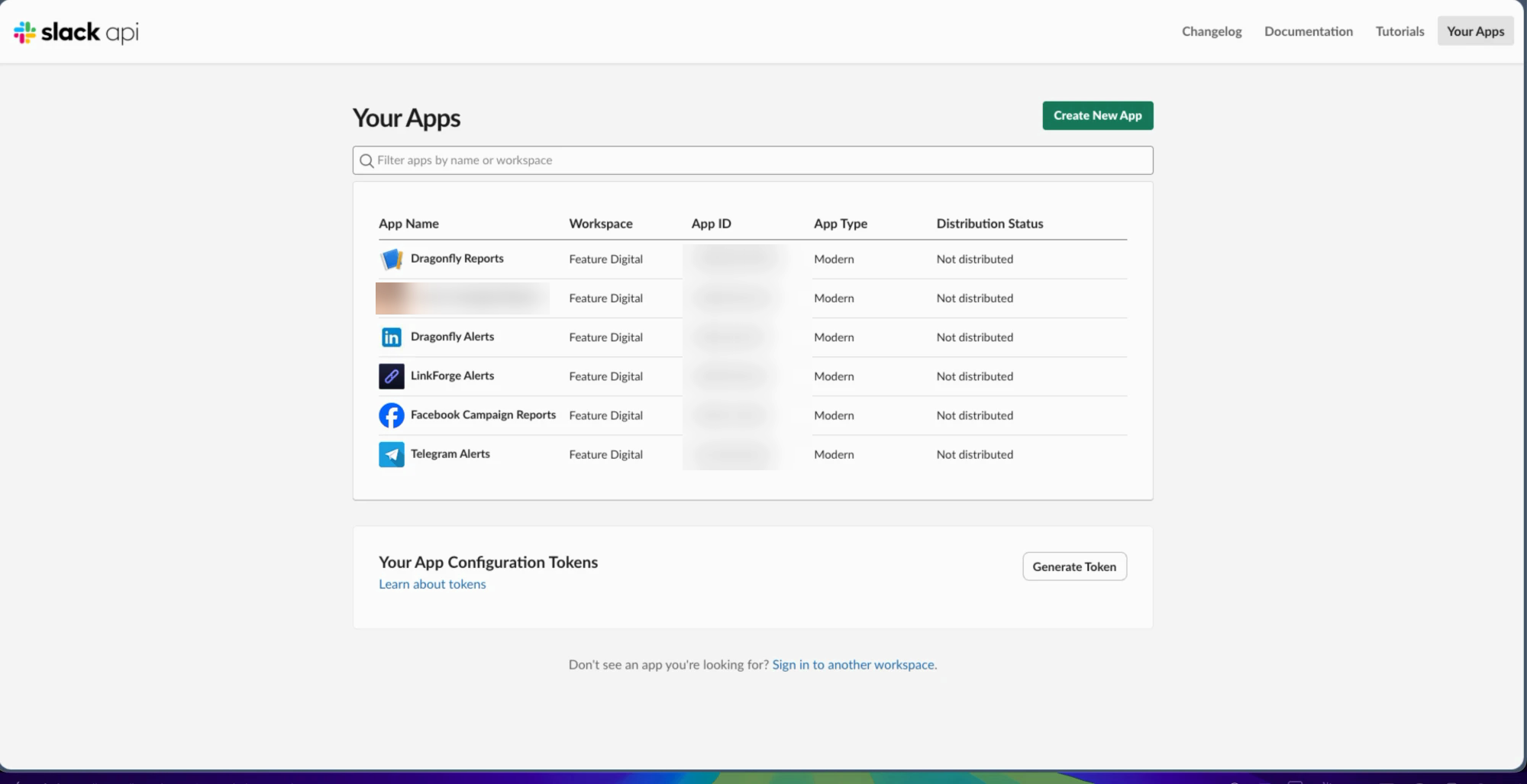
On one build, six custom Slack apps push scheduled performance reports and error alerts straight into team channels. Nobody opens a dashboard, and nobody has to: the numbers arrive on their own, and a failure announces itself.
Write alerts for the person who will read them
Compare these two:
Scenario 47 returned 400 at 02:14.
Lead capture failed for 3 submissions this morning — the CRM connection looks expired. Leads are still in the form, nothing lost yet.
The first tells the person who built it something. The second tells everyone else what happened, how bad it is, and whether to panic. Include what failed, how many records are affected, and whether anything is recoverable.
Scheduled reports are alerts you asked for in advance
The same principle covers reporting. If somebody has to open a dashboard to find out how a campaign is doing, they will do it for the first week and then stop.
Numbers pushed into a channel on a schedule keep getting read, because reading them costs nothing. And they double as a passive health check — when the Monday report arrives full of zeroes, you have learned something before anyone had to go looking.
Build it first, not after
Alerting added after the first silent failure always costs more than alerting built in from the start, because by then you have paid for the failure as well as the fix.
It is rarely more than an extra hour on the build. It is the hour that decides whether the thing you built is still trustworthy in a year.
Frequently asked questions
What is the difference between monitoring and alerting?
Monitoring is information available when you go and look — dashboards, logs, run histories. Alerting pushes a message to a person when something needs attention. You need both, but only alerting protects you from failures nobody is watching for.
How do I detect an automation that has stopped running?
Use a scheduled check that looks at the timestamp of the last successful run. If it is older than the interval you expect, raise an alert. Error-based monitoring cannot catch this, because a scenario that is not running produces no errors.
Where should automation alerts be sent?
Wherever the team already works — usually Slack or Telegram. Email works only if someone genuinely watches that inbox. The measure of a good destination is whether a person sees it within the hour.
How much alerting is too much?
If people start muting the channel, you have too much. Alert on things that need a human decision; log everything else. One noisy alert will cost you every alert after it.
Can I add alerting to automations that are already live?
Yes, and it is worth doing in priority order: anything touching revenue or customer communication first, internal tidying last.
In short
The failures that cost the most are the ones nobody sees. Catch errors, catch silence, catch volume anomalies, and send all of it somewhere a person actually looks — in language that tells them what to do.
You can see how this is wired into live systems on the automation and systems page.